Insights
— Platform
When file sharing stops working for visuals.
Shared drives and file-transfer services were built for files. They store, sync, and transfer. For most work, that is enough. For visual assets that move through review, feedback, approval, and delivery, file sharing starts to break in specific, predictable ways. The problem is not storage. The problem is that folders cannot carry the context that visual workflows require.

Mathias Buschor
Co-Founder at moodcase
•
6
min read
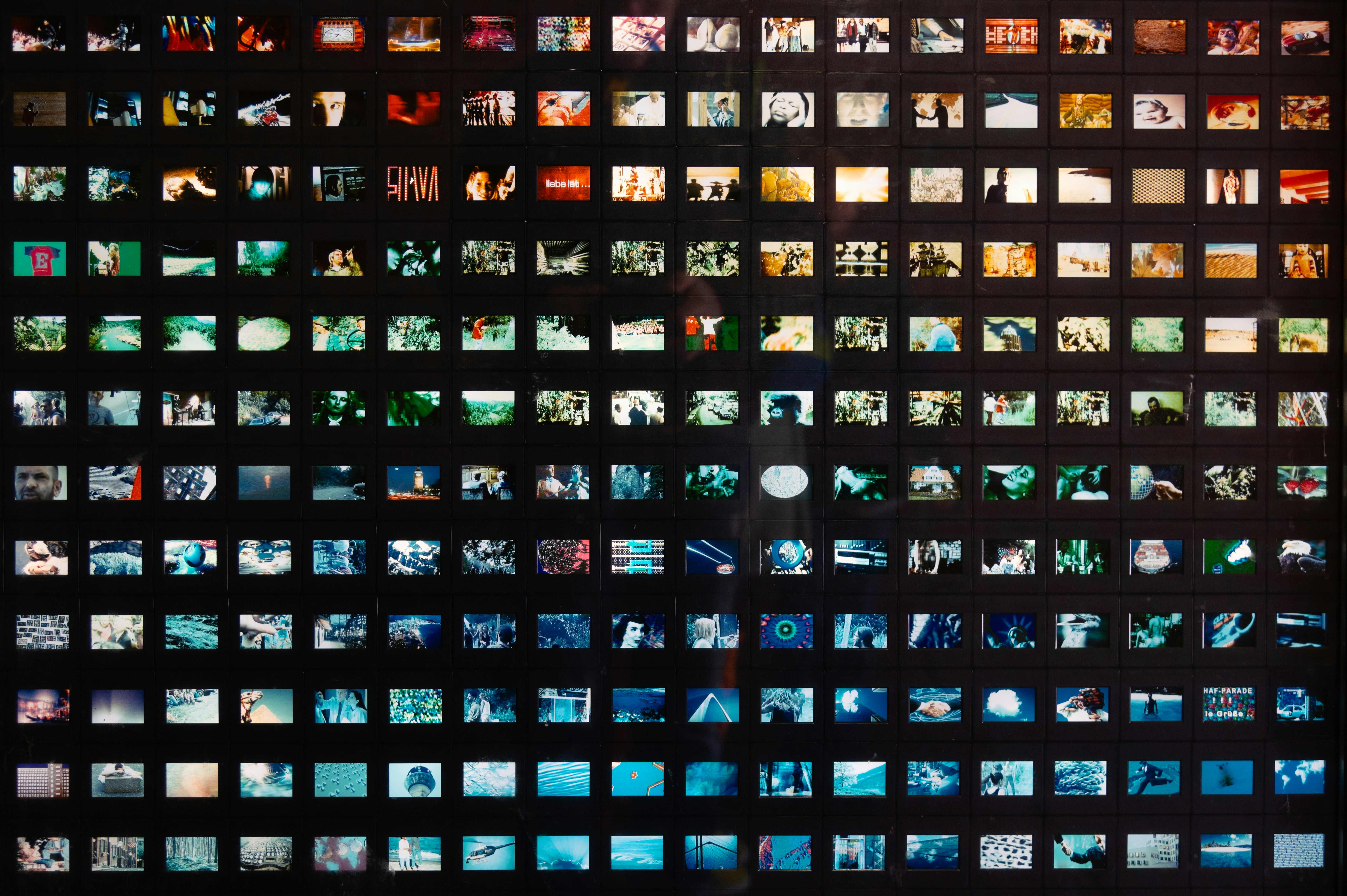
Photo:
Peter Herrmann
How file sharing is used for visual work today
A photographer exports images from Lightroom. The images go into a folder on a shared drive. A link is shared with the client. The client opens the link, browses the images, and sends feedback by email or message. The photographer interprets the feedback, makes changes, uploads new versions, and sends another link. When the work is final, delivery happens through the same link, a transfer service, or a ZIP file.
This works. Until the project has more than one round, more than one stakeholder, or more than one version.
Where folders stop carrying the context
Feedback separates from the image. A client writes "crop tighter on the third image in the set" in an email. The photographer matches the instruction to a filename. On a project with 500 images and three reviewers, the gap between the comment and the file creates errors. The feedback does not live on the image. It lives in a separate channel, disconnected from the asset.
Status is invisible. Which images are approved? Which are still in revision? Which version is current? In a folder, every file looks the same. There is no workflow state. The photographer tracks status in a spreadsheet, in memory, or not at all.
Delivery is a separate step. The project is finished. The client needs the final images. The photographer creates a transfer link or a shared folder. The client receives files in a generic interface with no branding, no password protection, no control over download resolution, and no record of what was accessed.
Access is all or nothing. A folder is shared with a link. Everyone with the link sees everything. There is no way to show the client one set of images, the retoucher another, and the agency a third.
Structure does not survive the project. The project ends. The folder sits in the drive. Six months later, finding a specific image means remembering the folder name, opening it, and scrolling through hundreds of files with no metadata and no visual organization beyond the upload order.
When file sharing is enough
File sharing works when the visual workflow is simple. One round of delivery. One recipient. Files that do not need feedback, approval, or version tracking. Low volume. No need for presentation or branded delivery.
Many workflows fit this description. File sharing is not wrong for them.
When visual work needs more than file sharing
The friction becomes visible when the project involves collaboration. When more than one person reviews the images. When feedback needs to stay attached to the image, not scattered across channels. When approval needs to be recorded, not inferred. When delivery needs to reflect the quality of the work.
These are not exceptional requirements. They are the ordinary conditions of professional visual work.
What structured visual handling changes
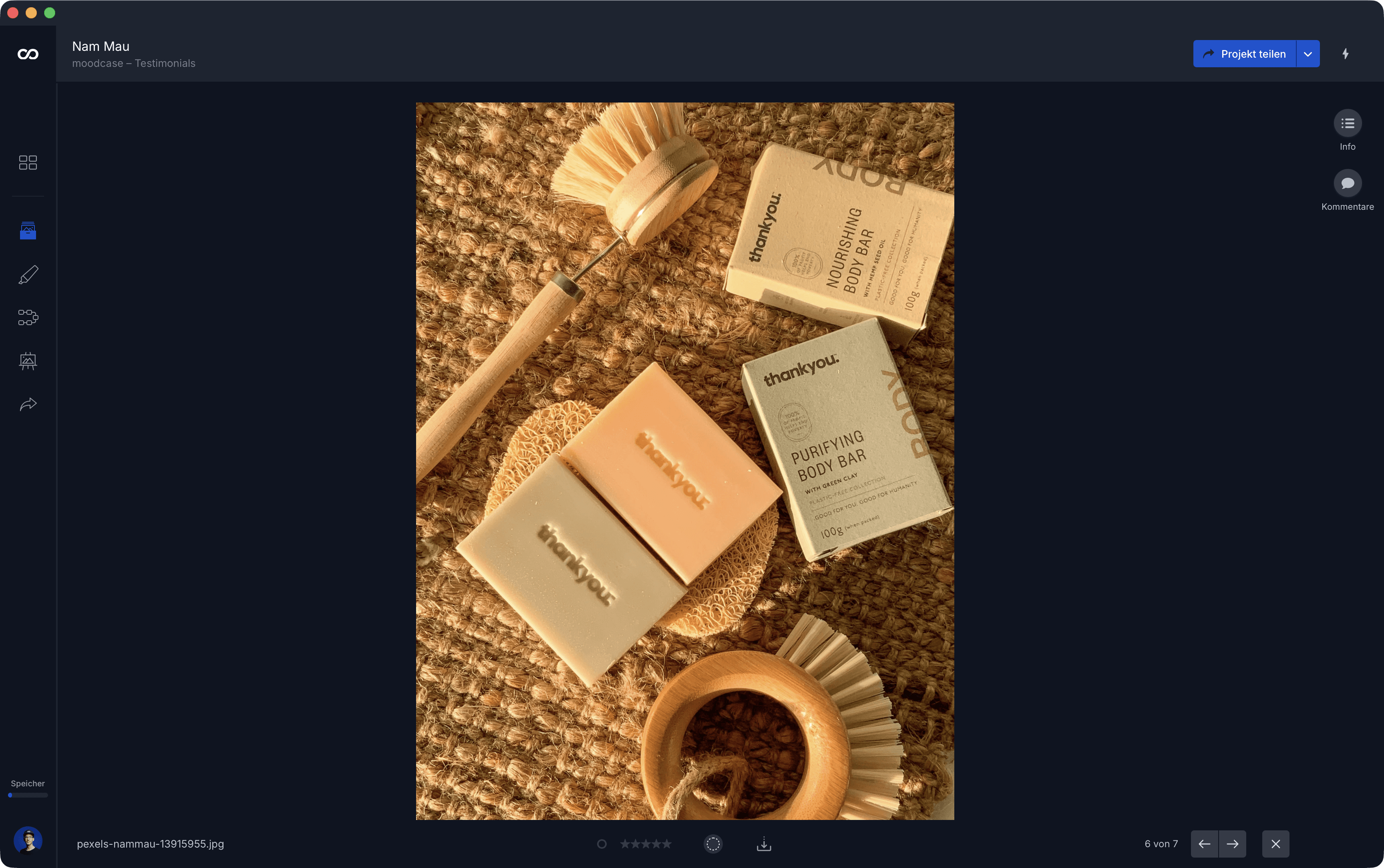
A structured system like moodcase organizes visual assets inside projects with collections, metadata, and workflow states. Feedback stays attached to the image as annotations and comments. Approval is recorded explicitly. Delivery happens inside the project through branded galleries with controlled access and download permissions. Assets are searchable by metadata, AI tags, color labels, workflow status, and more.
The difference is not more features on top of a file system. The difference is a system designed around visual assets rather than files.
Folders organize by name. A visual asset system organizes by metadata, structure, and context. What is stored once can appear in multiple views without duplication. What is decided is recorded. What is delivered reflects the standard of the work.
Visual assets need more than a folder.
See how moodcase handles the full workflow.
Visual assets need more than a folder. See how moodcase handles the full workflow.
Try all features for 7 days. No credit card required.
Folder Limits
Fragmentation
Scattered Assets
RELATED
When proofing is only part of the workflow.
Shared drives store files. Visual assets need feedback, approval, and delivery. Where folders stop carrying the context.
When the current setup stops being enough.
Five patterns that signal a photographer's workflow has outgrown its tools. Not the tools. The arrangement.