Insights
— Platform
A brand portal and a visual library are not the same system
A team with a brand portal usually asks the same question when the photography starts piling up. Does this already cover it. The honest answer is that a portal covers one half of the life of an image very well, and the other half not at all, and the two halves are separated by a moment most comparisons skip.

Mathias Buschor
Co-Founder at moodcase
•
4
min read

Photo:
Martin Bissig
The usual framing is storage against distribution. One system keeps the files, the other gets them to people on brand. That framing is accurate and it is why the two are so often described as complementary.
It also hides the thing that matters for photography. Both halves of that framing describe an asset that is already finished. Storage keeps the finished file. Distribution moves the finished file. Neither describes the stretch before a file is finished, and for photography that stretch is where nearly all the work and nearly all the decisions sit.
What a portal is genuinely good at
A portal answers a real problem. A logo, a typeface, a template, a set of guidelines. These are stable and they are few. The difficulty is not producing them. It is making sure the right version reaches a regional team without a request going through headquarters.
Everything about a portal follows from that. Assets are curated rather than accumulated. The interface teaches as much as it delivers. Access is broad by design, because the point is that people can help themselves.
Those are the right choices for that job. They are also the reason it fits photography badly.
Photography has a different life
A logo arrives finished and stays finished. A shoot arrives as two thousand frames, of which perhaps forty matter and six will run.
Getting from two thousand to six is the work. Someone selects. Someone marks up a crop. A rights contact confirms what the licence covers. A brand lead signs off. Every one of those is a decision about an asset that is not yet approved. It does not belong in a portal, because a portal begins where approval ends.
So the work happens elsewhere. In a shared drive, a review tool, an email chain, a chat thread. It gets done. The six survivors are uploaded to the portal. Everything that happened to get there stays behind in whatever system it happened in.
The gap is between the two systems, not inside either
This is the part the comparison usually misses. Neither model is wrong. The problem is what falls between them.
What falls between is the record. Which frame was chosen and why. What the crop was approved for. Which licence window applies, and whether it covers the placement this asset ended up in. A portal holds the finished file and, at best, a note beside it. The decisions that produced it were made somewhere with no memory.
That surfaces months later, and always as the same question. Somebody wants to reuse an image and asks what it was cleared for. The portal can say the asset is approved. It cannot say approved for what, by whom, or until when, because it was never in the room when that was decided.
A library built for the earlier half keeps the decision attached to the asset as it is made. The asset then arrives at the portal carrying its own history rather than being separated from it.
Where each one fits
A brand portal works well when the assets are stable, few, and finished, and the problem is consistent use across many people. A visual library matters more when the assets are many, in motion, and not yet decided. The questions that arrive later are then about what was agreed, not about which file is current. Most teams doing their own photography need both, and the mistake is assuming the second is a feature of the first.
What moodcase does with this
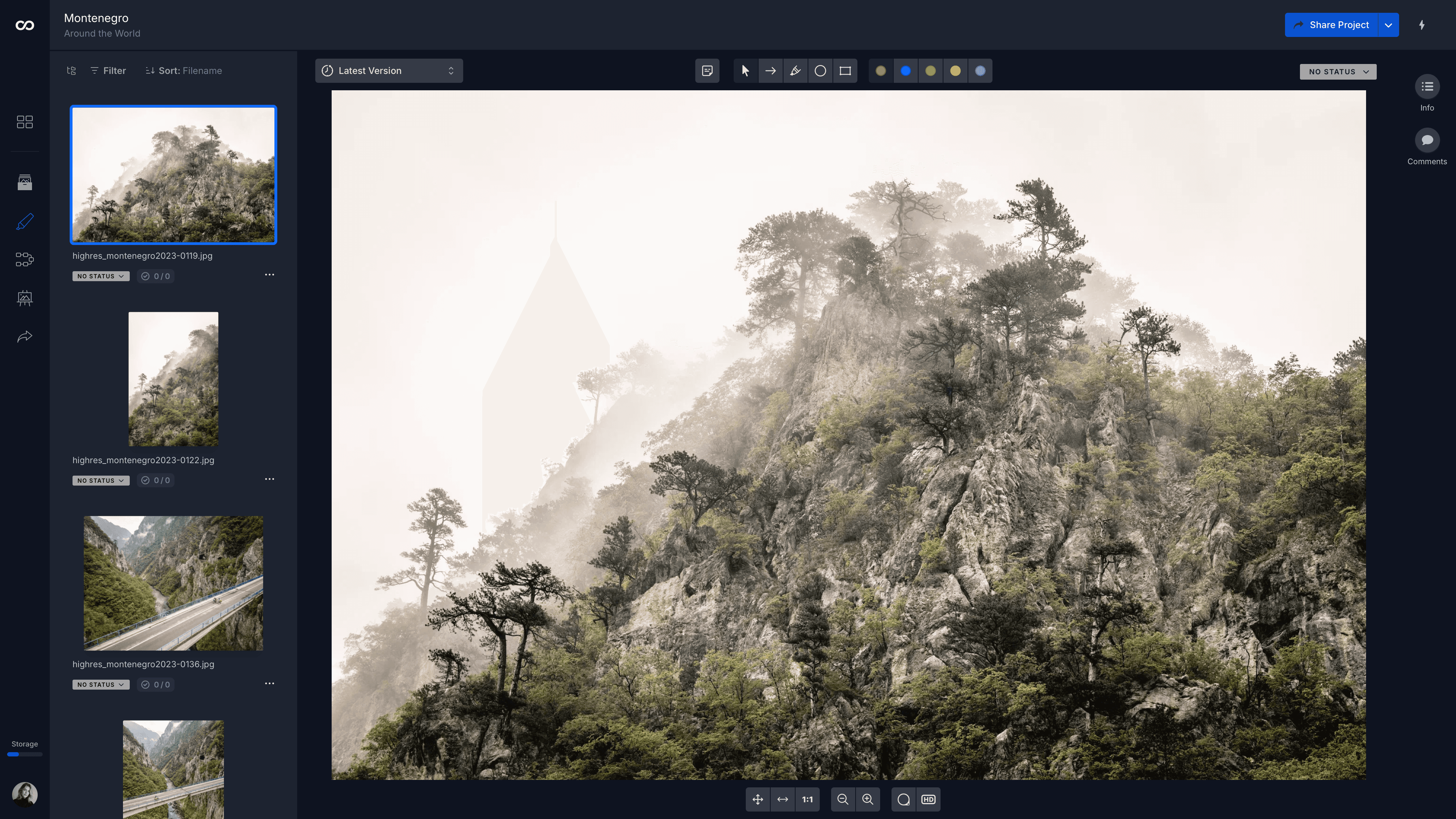
moodcase sits in the earlier half. Selection, review and approval happen on the asset, and the state is recorded rather than inferred. Approvals and workflow states are team-plan capabilities. Activity and audit logs exist across all plans.
Nothing here replaces a brand portal, and this is not an argument that it should. The two answer different questions about the same image at different points in its life.
Where this fits
The signal is simple. If your portal can tell you an image is approved but not what it was approved for, the decision was made in a system that did not keep it.
Visual assets need more than a folder. See how moodcase handles the full workflow.
Try all features for 7 days. No credit card required.
Delivery
Approval
Marketing Teams
Brands
RELATED

Visual Asset Management is not cloud storage.
A brand portal handles assets that are finished. Photography spends most of its life before that point.

Visual asset management without DAM overhead.
Enterprise DAM serves organizations at scale. moodcase provides structured visual asset handling for teams of 2 to 20.